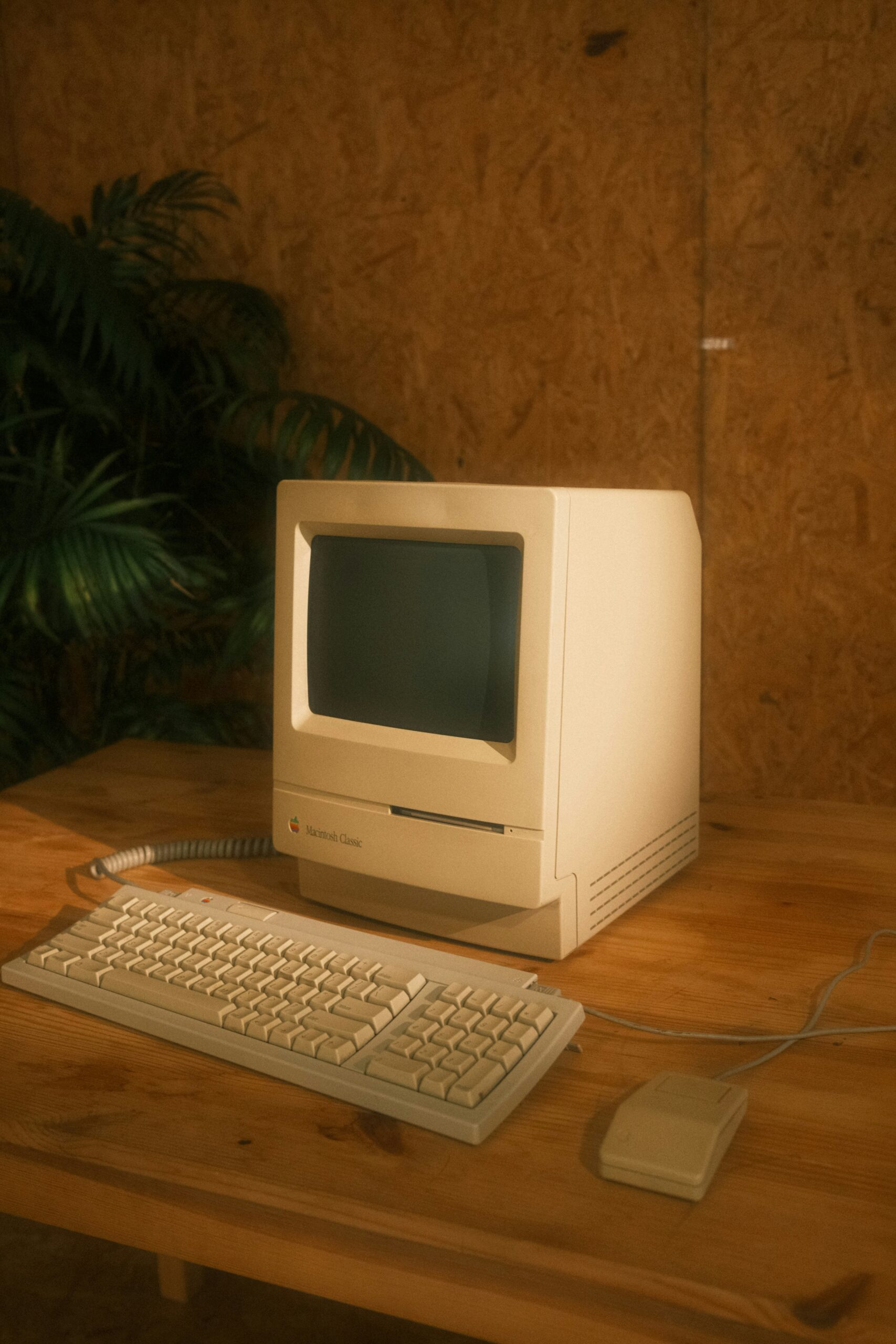
Is your computer taking ages to load? Does it feel like it’s stuck in slow motion? 😩 Don’t worry you’re not alone, and you don’t need to be a tech expert to fix it! This guide is here to help you understand what might be going wrong and what you can do to make things better — step by step, nice and easy 😊.
🧠 1. Too Many Things Running at Once
Just like us, computers get overwhelmed! If you have lots of windows or programs open, it can slow everything down. Try closing anything you’re not using — it’s like giving your computer a breather 😌.
📦 2. Not Enough Space Left
Your computer needs room to work. If your hard drive is full of photos, documents, or old apps, it can slow things down. You can delete things you don’t need or move them to a USB stick or cloud storage ☁️.
🔄 3. It Needs an Update
Updates help your computer stay healthy and secure. If you haven’t updated in a while, it might be struggling. Look for update messages or ask someone to help you check — it’s like giving your computer a tune-up 🔧.
🕒 4. Too Many Programs Starting Automatically
Some apps start running the moment you turn on your computer — even if you don’t need them. Turning off unnecessary startup programs can help your computer wake up faster ☕.
🛡️ 5. It Might Have a Virus
If your computer is acting strangely or slowing down a lot, it could have a virus or malware. Installing antivirus software and running a scan can help clean things up and keep your computer safe 🧼.
🧓 6. It’s Just Getting Old
Sometimes, the computer itself is the issue. If it’s more than 5–7 years old, it might be time for a little upgrade. Even adding more memory (RAM) can make a big difference 🛠️.
Need a Hand? 🤝
Feeling a bit stuck? If this all sounds a bit tricky, don’t worry you’re not alone, and you don’t have to figure it out by yourself. Whether your computer is running slow, your printer won’t play nice, or you just need a hand with email or Wi-Fi, I’m here to help. friendly, patient tech support is just a message away. Let’s get your tech working the way it should!