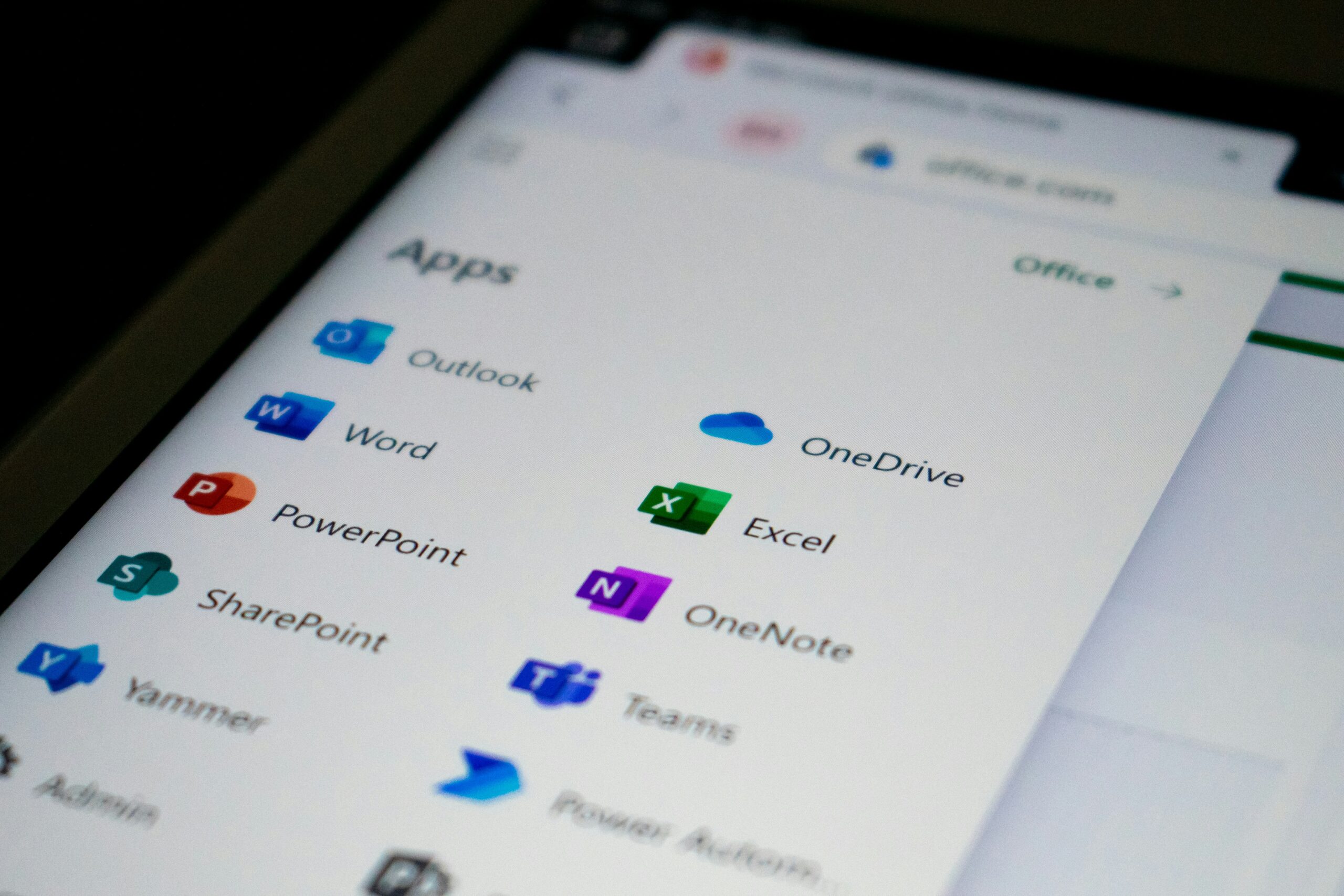
Save Money Microsoft Copilot! Are you an existing Microsoft 365 subscriber? Many people have personal or family plans with Microsoft for Microsoft M365 e.g. Outlook, OneDrive and Office Apps (Word, Excel, PowerPoint etc) You may have noticed something curious on your Microsoft 365 subscription or you may not have, and that’s the problem.
Microsoft has been quietly nudging some users onto a newer, more expensive subscription plan that includes Microsoft Copilot, their AI-powered assistant. While Copilot has its benefits, the upgrade comes with a £35+ annual price hike you might not have signed up for!
🧠 What Is Copilot?
Copilot is Microsoft’s new AI assistant designed to help with writing, researching, summarising, and automating tasks in apps like Word, Excel, Outlook, and Teams. It can be handy but for a lot of people, it’s not essential. Unless you’re regularly leaning on AI to write your reports or crunch spreadsheets like, you probably will not see the value in the extra cost.
💸 What’s Actually Changing?
Here’s the breakdown:
| Plan | Old Price (Approx.) | New Price with Copilot | Price Difference |
|---|---|---|---|
| Microsoft 365 Family | £79.99/year | £114.99/year | +£35 |
| Microsoft 365 Personal | £59.99/year | £94.99/year | +£35 |
Some users were enrolled onto these new Copilot-inclusive plans automatically upon renewal, with little more than a footnote in the fine print. Microsoft 365 Plans and Pricing
🚨 Don’t Want to Pay More? Here’s How to Switch Back
If Copilot isn’t your thing and don’t want to pay an extra £35 per year, you can easily downgrade to a Classic plan with all the usual features but without the Copilot upgrade but do it quick before your next renewal date.
✅ To downgrade:
- Go to your Microsoft Services & Subscriptions page.
- Click Manage next to your Microsoft 365 subscription.
- Select Cancel Subscription — don’t worry, this won’t cancel your account immediately.
- During the cancellation process, choose to switch to Microsoft 365 Family Classic or Personal Classic.
- Confirm and you’re done. Your plan will stay active until the end of your billing cycle, then renew at the classic price.
🤔 What Do You Still Get with Classic?
You’ll still enjoy:
- Word, Excel, PowerPoint & OneNote (with offline access)
- 1 TB of OneDrive storage per user
- Ad-free Outlook email
- Microsoft Defender antivirus
- Clipchamp video editor
Basically, all the good stuff minus the AI, where the value inside Microsoft 365 is still questionable for a regular or light user.
🔍 Final Word
This isn’t a scam but it is one of those stealthy “blink and you’ll miss it” price increases. So if you’re not planning to use Copilot regularly, I strongly recommend switching to a Classic plan and saving your £35.
Need a hand with the switch? Just get in touch and I’d be more than happy to guide you through it step by step.